Exclusive Offer: Sign up today and unlock 15 days of full feature access— 100% free!

Inventory Audit Checklist: Step-by-Step Process to Eliminate Stock Errors

April 16, 2026 | By Stockount

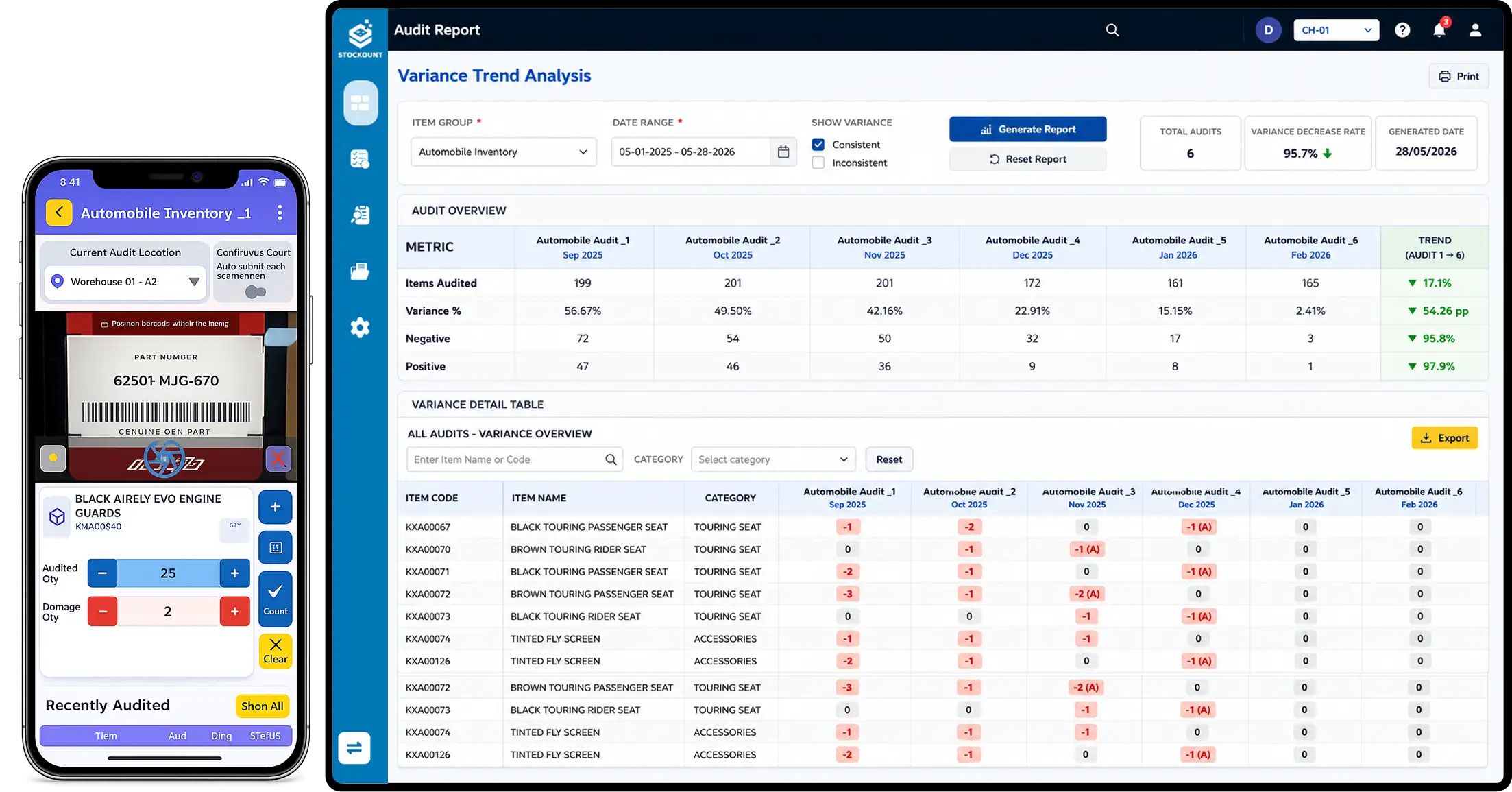
Step-by-step inventory audit process for accurate stock tracking

Introduction: When the Numbers Don't Add Up

It's a scenario every warehouse manager and retail owner dreads.

Your system says you have 200 units. Your shelf says 143. Somewhere along the line, 57 items vanished, and nobody knows where.

Stock discrepancies cost businesses billions every year. Whether it's due to theft, data entry errors, supplier shortages, or poor processes, the damage goes beyond the numbers. It erodes customer trust, delays fulfillment, and creates chaos during tax season.

The fix? A structured, repeatable inventory audit process that doesn't just count stock, it systematically eliminates the root causes of errors.

This guide gives you a practical, step-by-step inventory audit checklist you can implement immediately, whether you're running a retail store, managing a warehouse, or overseeing a distribution network.

What Is an Inventory Audit?

An inventory audit (also called a stock audit) is the process of physically verifying your actual stock levels against what your records or system shows.

It's more than just counting. A thorough inventory verification process also checks:

  • Where products are located
  • How stock moves in and out
  • Whether documentation matches physical counts
  • The accuracy of supplier receipts and internal transfers

Done right, it catches inventory shrinkage, flags slow-moving stock, and identifies gaps in your team's processes — before they become expensive problems.

The Inventory Audit Checklist: Step-by-Step

Here's a battle-tested checklist you can follow end-to-end.

Step 1: Define Your Audit Scope

Before touching a single product, decide:

  • What you're auditing — full inventory, specific categories, or a subset via cycle counting
  • Which locations are included (store floor, backroom, warehouse, transit)
  • Time period the audit covers

Pro tip: For large operations, cycle counting auditing a rotating subset of SKUs on a regular schedule is more efficient than full annual audits.

Step 2: Freeze Stock Movement Temporarily

For accurate counts, you need a snapshot — not a moving target.

  • Pause incoming and outgoing stock during the count window
  • Lock down any pending purchase orders or transfers
  • Notify relevant teams (receiving, dispatch, sales) of the temporary hold

Even a 2-hour freeze on a small section can dramatically improve stock reconciliation accuracy.

Step 3: Organize Your Counting Teams

Assign specific zones or product categories to dedicated counters. Key rules:

  • Use teams of two — one counts, one records
  • Counters should not audit their own managed areas (reduces bias)
  • Brief everyone on counting procedures and what to flag

Human error in counting is one of the most common sources of stock discrepancies. Structured teams reduce this significantly.

Step 4: Perform the Physical Count

This is the core of the stock audit process. Counts should be:

  • Done systematically (shelf by shelf, bin by bin — never randomly)
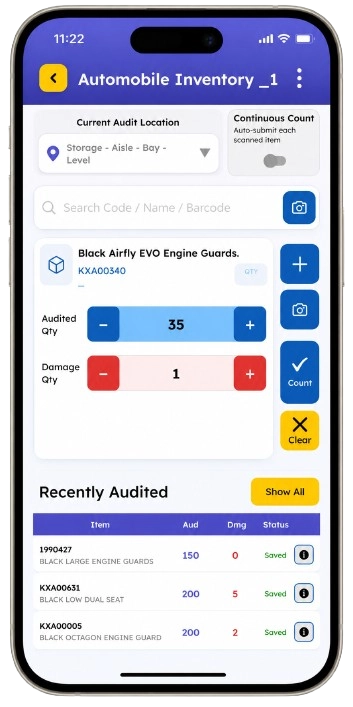
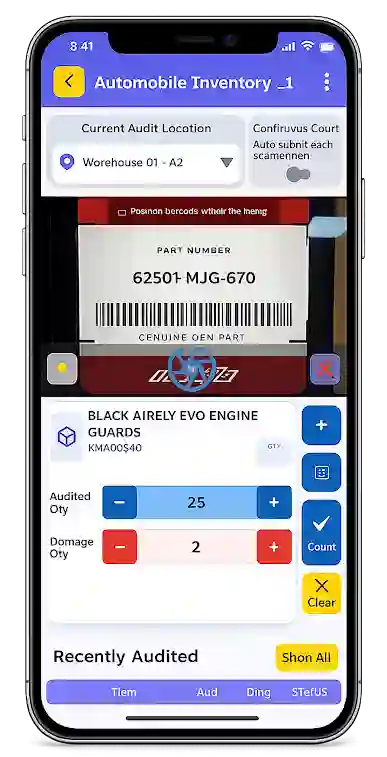
  • Recorded on pre-printed count sheets or mobile devices
  • Carried out blind — counters shouldn't see previous system quantities until after counting

Capture:

  • Product name and SKU
  • Location (aisle, shelf, bin code)
  • Quantity counted
  • Unit of measure (each, case, pallet)
  • Condition (sellable vs. damaged)

Step 5: Compare Physical Counts to System Records

Once counting is complete, begin inventory verification by matching physical counts to your inventory system.

Flag any item where the variance exceeds your tolerance threshold (typically ±2–3% for most businesses).

  • Identify positive variances (more stock than expected)
  • Identify negative variances (less stock than expected — possible shrinkage or data error)

Step 6: Investigate and Reconcile Discrepancies

Don't just adjust the numbers — find out why they differ.

Common causes include:

  • Receiving errors — supplier sent wrong quantities
  • Data entry mistakes — wrong SKUs or quantities logged
  • Theft or inventory shrinkage — internal or external
  • Miscounts — recount items with high variances before adjusting
  • Location errors — product stored in the wrong bin

After investigation, update your system with accurate figures and document the adjustment reason.

Step 7: Document and Report

A well-documented audit is a useful audit. Create a summary report that includes:

  • Total SKUs counted
  • Number and value of discrepancies found
  • Adjustments made and their reasons
  • Areas with highest variance (flag for process review)
  • Recommendations for the next audit cycle

This report becomes your benchmark for improvement.

Step 8: Fix the Root Cause — Not Just the Numbers

Here's where most businesses stop short. Fixing a number in the system doesn't stop the same error from happening again.

After every audit, ask:

  • Which process failed?
  • Was it a training gap, a system lag, or a workflow flaw?
  • Should count frequency increase in high-variance zones?

Root cause correction is what separates a one-time fix from a lasting improvement.

Tired of chasing stock errors after they've already cost you?

Stockount gives you real-time inventory visibility so discrepancies get flagged the moment they happen, not weeks later during your next inventory audit. Start your free trial → No spreadsheets. No surprises.

Common Mistakes That Derail Inventory Audits

Even experienced teams fall into these traps:

  • Counting with system data visible — counters unconsciously match the system, not reality
  • Skipping the freeze — stock movement mid-count ruins accuracy
  • Only auditing once a year — problems pile up between audits
  • Ignoring small variances — small errors compound over time into large losses
  • No documentation trail — without records, patterns never get fixed

Real-World Example: How One Audit Recovered $21,000 in Hidden Losses

A mid-sized FMCG distributor ran their quarterly stock audit and found 340 units missing across three SKUs, roughly $14,000 in inventory that had simply "disappeared" on paper.

After investigation, they uncovered two separate problems. First, the supplier had been short-shipping them for two consecutive months but billing for full quantities, an overpayment of around $9,200 they never would have caught without a physical count. Second, a data entry error had caused one batch to be scanned twice, inflating system stock and masking an actual shortage.

Total recovery value: $21,000, from a single audit cycle. Without a structured inventory audit process, these errors would have silently rolled into the next quarter, and the next, and the next.

The Benefits of Real-Time Inventory Audits

Traditional audits are periodic — you count, fix, and wait until next quarter to do it again.

Real-time inventory tracking changes the game entirely.

With continuous monitoring, your business can:

  • Detect discrepancies as they happen — not weeks later
  • Reduce audit prep time by up to 60%
  • Spot shrinkage trends across locations before they escalate
  • Maintain accurate data for procurement, finance, and operations — simultaneously

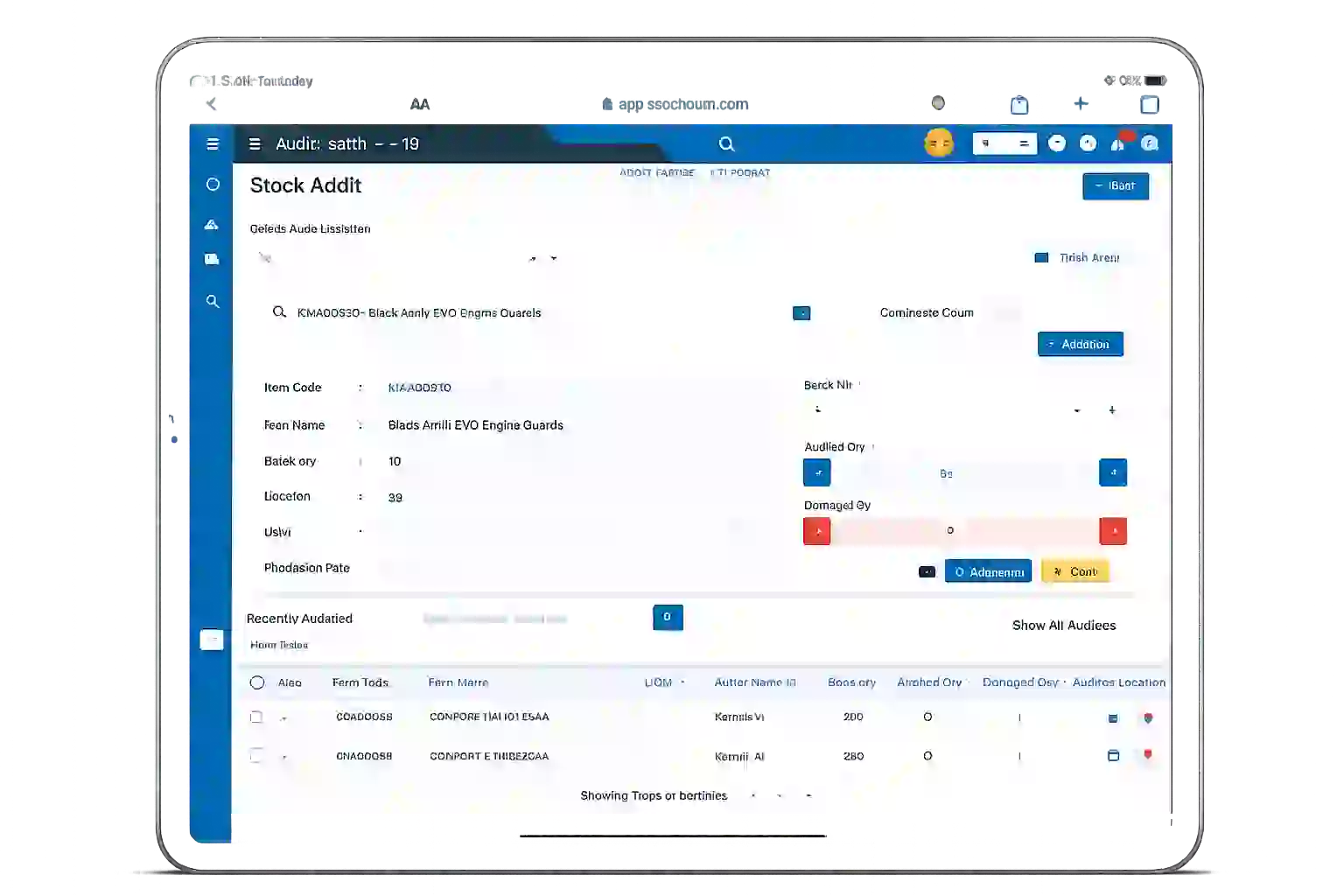
This is where tools like Stockount make a real difference. Instead of scrambling through spreadsheets at quarter-end, Stockount gives your team live visibility into stock levels, movement logs, and variance alerts — so your inventory audit process becomes a continuous function, not a stressful event.

Quick-Reference: Inventory Audit Checklist at a Glance

Step Action
1 Define audit scope and SKU categories
2 Freeze stock movement in the audit zone
3 Assign and brief counting teams
4 Perform blind physical count (SKU, qty, location, condition)
5 Compare counts to system records
6 Investigate and reconcile all variances
7 Document findings and adjustments
8 Fix root causes, not just the numbers

FAQ

What is an inventory audit checklist?

An inventory audit checklist is a structured set of steps used to physically verify stock levels, compare them against system records, identify discrepancies, and document adjustments. It ensures your audit is thorough, consistent, and repeatable — not something different every time.

What is the difference between a full inventory audit and cycle counting?

A full inventory audit counts every SKU across your entire operation at one time. It's thorough but disruptive. Cycle counting audits a small subset of products on a rolling schedule — less disruptive, more continuous, and better at catching errors early. Many businesses use both: cycle counts throughout the year and a full audit at year-end.

How often should a business conduct an inventory audit?

It depends on your business size and stock complexity. Most businesses do a full audit quarterly or annually, but high-volume operations should run cycle counts weekly or monthly — auditing a rotating portion of SKUs rather than everything at once. More frequent audits mean fewer surprises.

What causes stock discrepancies?

The most common causes are receiving errors (supplier ships less than invoiced), data entry mistakes, misplaced inventory, internal or external theft, and system lags where transactions aren't recorded in real time. A structured audit process helps you identify which cause is behind each discrepancy.

How do I reduce inventory shrinkage?

Start by auditing more frequently, shrinkage compounds when left unchecked. Use blind counts so staff can't manipulate results. Implement real-time tracking so movement is logged automatically. And always investigate the reason behind a variance, not just the number. Tools like Stockount help flag shrinkage patterns before they become significant losses.

Can small businesses benefit from inventory audits?

Absolutely. In fact, small businesses often feel discrepancies more acutely because margins are thinner. A single supplier overpayment or unnoticed shrinkage can significantly impact profitability. Even a basic monthly cycle count , done consistently can protect thousands of dollars per year.

What should an inventory audit report include?

A good audit report covers total SKUs counted, number and value of variances found, root cause analysis for each discrepancy, adjustments made to the system, and recommendations for process improvements. This report becomes your baseline for the next audit cycle.

Do I need special software for inventory audits?

You don't need it, but manual audits using spreadsheets are slow, error-prone, and hard to scale.

Inventory audit software like Stockount automates variance detection, keeps a real-time log of all stock movements, and makes audit prep a fraction of the work. The ROI typically shows up in the first audit cycle.

Conclusion: Stop Reacting, Start Tracking

Stock errors don't disappear on their own. They multiply, quietly draining revenue, inflating costs, and creating friction across your entire supply chain.

A structured inventory audit checklist gives you the clarity to catch problems early, fix processes systematically, and build a more reliable operation.

But if you're still relying on manual audits and spreadsheets, you're always working with yesterday's data.

Stockount helps you move from reactive auditing to real-time inventory control. With automated tracking, instant discrepancy alerts, and seamless stock reconciliation, your team spends less time counting and more time making smart decisions.

Book a free Stockount Explore the Demo today and see how real-time inventory tracking can eliminate stock errors, before they cost you.

Tags
Search For Articles
Latest Articles

Follow Us
Tags