01. Unstructured Counting
Teams count wherever they can, without a clear sequence or schedule. This can lead to wasted time, missed locations, and inconsistent counts across the warehouse.
Run cycle audits on your preferred schedule Daily, Weekly, or Monthly, organized zone-wise. Stockount gives your team a clear dashboard and reports by location and category, while supporting both barcode and non-barcode inventory.
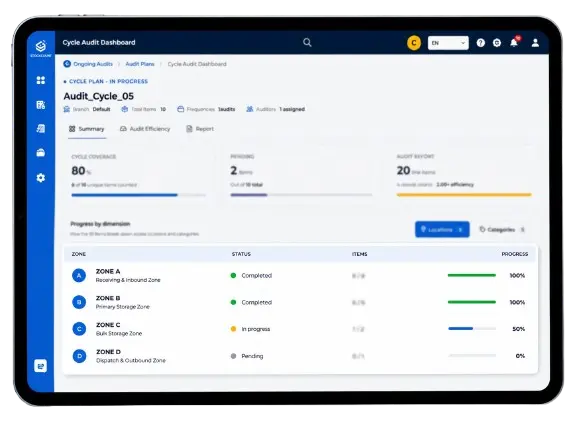
The hard part isn't counting it's knowing what to count first.
Not every item needs the same level of attention. Without a clear plan, teams can spend time counting items that are doing fine while important stock issues go unnoticed.
Teams count wherever they can, without a clear sequence or schedule. This can lead to wasted time, missed locations, and inconsistent counts across the warehouse.
Picking, receiving, and shipping often continue during a count. With stock still moving, it becomes harder to tell whether a variance is real or caused by ongoing activity.
Items can be missed, counted twice, or entered incorrectly. Small mistakes during counting can quickly turn into inventory variances that need to be investigated.
After the count, teams compare physical quantities with system records and investigate differences. Manual follow-ups slow things down and make it harder to close the audit.
Most teams know how to count. Consistency is the real challenge.
Stockount makes every cycle count structured and repeatable.
Turn Cycle Counts Into Inventory Confidence.
See how Stockount helps you choose, run, and track the right counts for better inventory accuracy.
Six steps take a count from plan to closed books — the workflow any cycle count management software has to get right.
Set how often inventory should be counted — daily, weekly, or monthly.
Choose the items, locations, frequency, and team members to count.
Scan barcodes or enter quantities manually.
Follow the schedule, check differences, and recount when needed.
Track completed counts, accuracy, differences, and pending counts.
Find recurring issues and changes in inventory accuracy.
Stockount covers the day-to-day work of a cycle counting system: deciding scope, running counts on a schedule, and turning results into reports. It sits alongside inventory management rather than replacing it.
Set cycle counting schedules based on your operational requirements — daily, weekly, or monthly.
Organize and conduct audits by warehouse zones and locations, so counters work through areas rather than lists.
Track audit results and inventory discrepancies by location and category.
Count both barcode-enabled and non-barcode inventory using the same workflow.
Audit progress, items counted, and discrepancies in one view — the reporting layer most inventory counting software leaves out — then the same results broken down by location and by category.
Every business counts differently. Stockount, as inventory cycle count software, supports different approaches based on inventory value, movement, location, and operational requirements.

Count high-value or high-impact items more often than the long tail to focus on what matters most and keep inventory accuracy on track.
How Stockount helps:Build counts by category so A-items come up on a tighter cycle and high-impact stock gets checked more often.
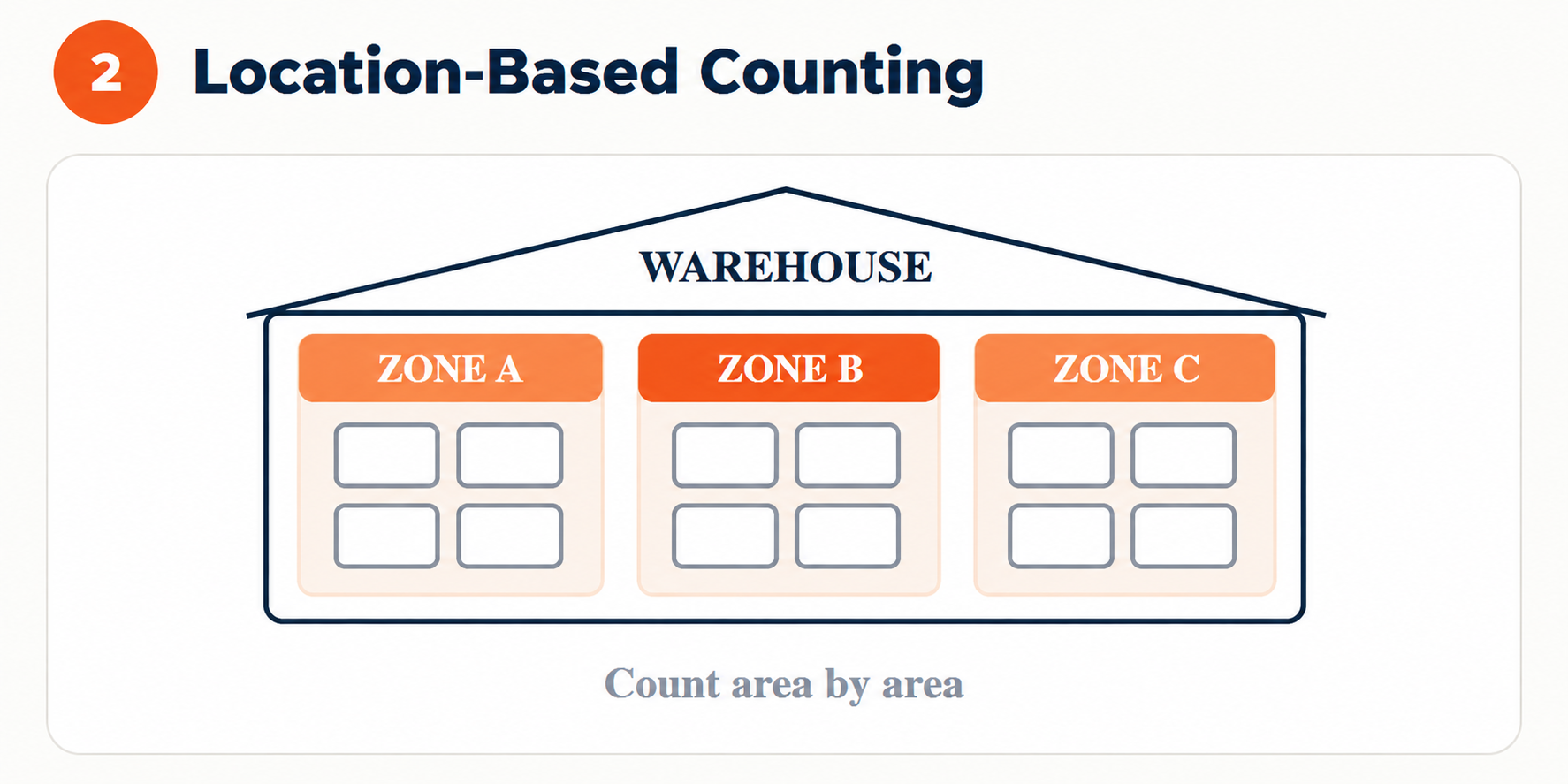
Work through the warehouse by area rather than by product list to simplify counting, reduce missed items, and stay organized.
How Stockount helps:Scope a count to a warehouse, zone, or bin so teams can count what is there and keep every area organized.
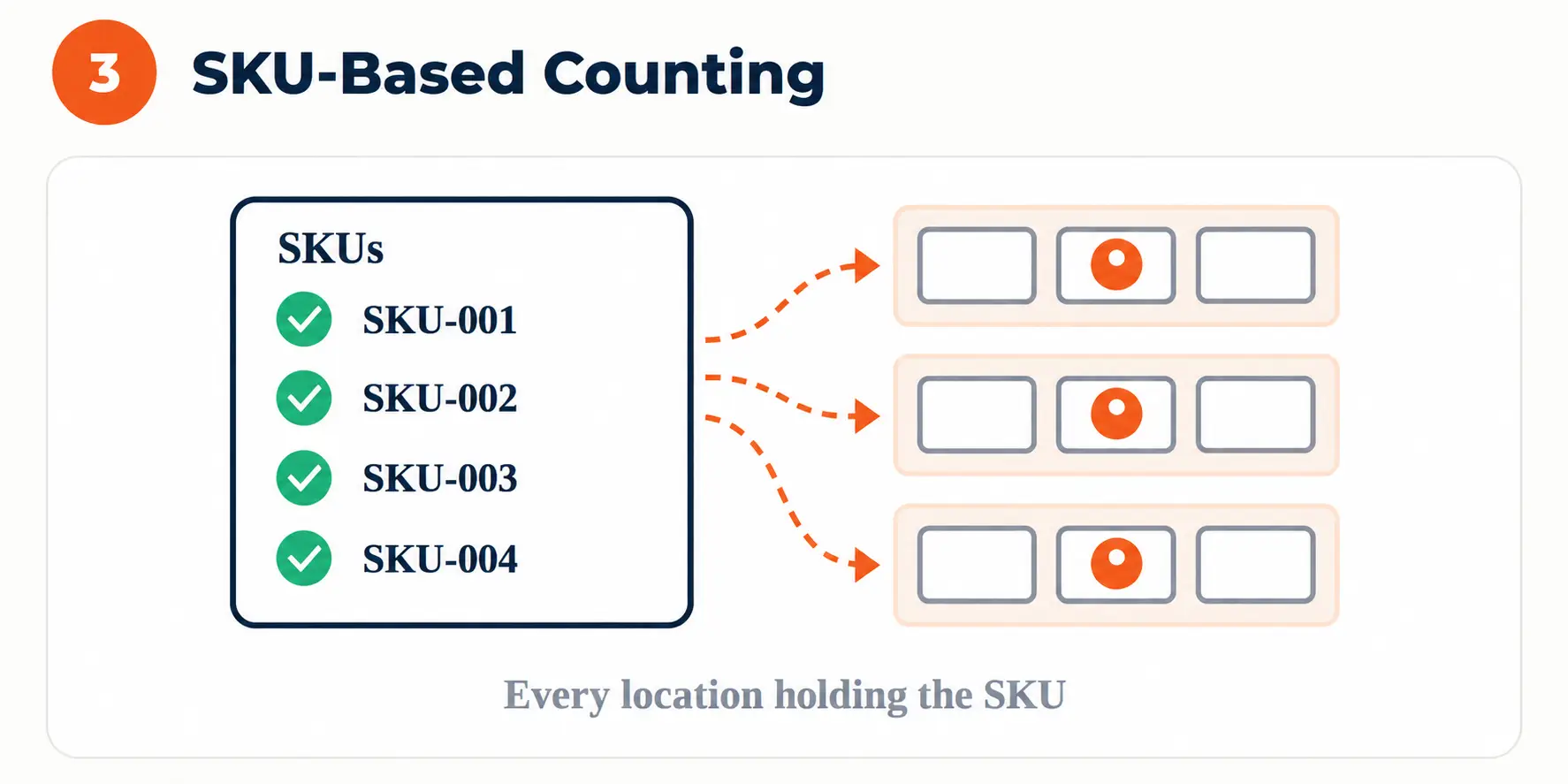
Count selected products wherever they are stored to verify accuracy across locations, reduce gaps, and maintain reliable stock records.
How Stockount helps:Pick SKUs directly, and Stockount collects every location holding them so teams can verify stock across the warehouse.
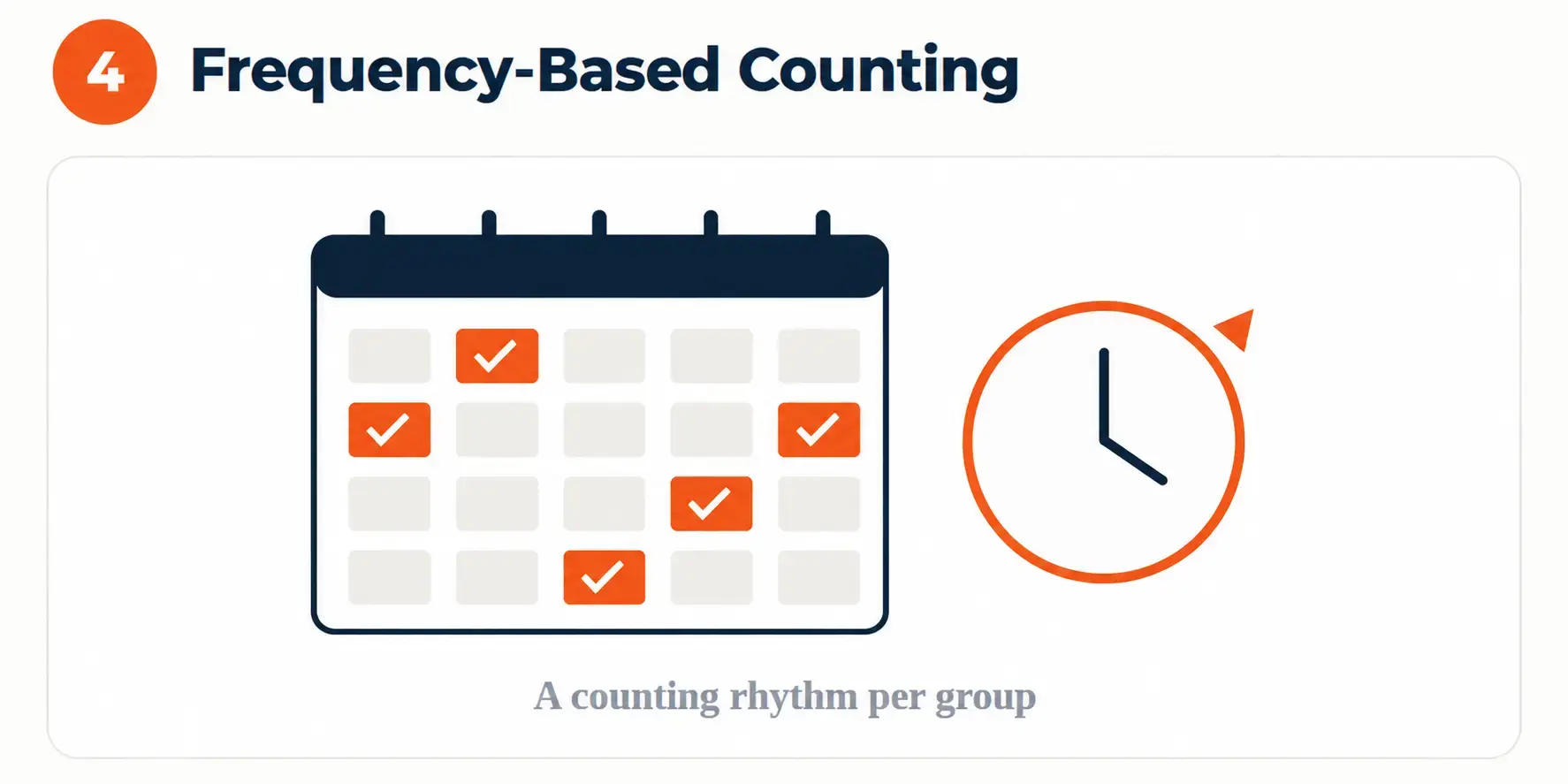
Give each part of your inventory a counting rhythm and stick to it for consistent accuracy, better coverage, and fewer surprises.
How Stockount helps:Use count history to see what was last counted and when, then keep each inventory group on a consistent counting rhythm.
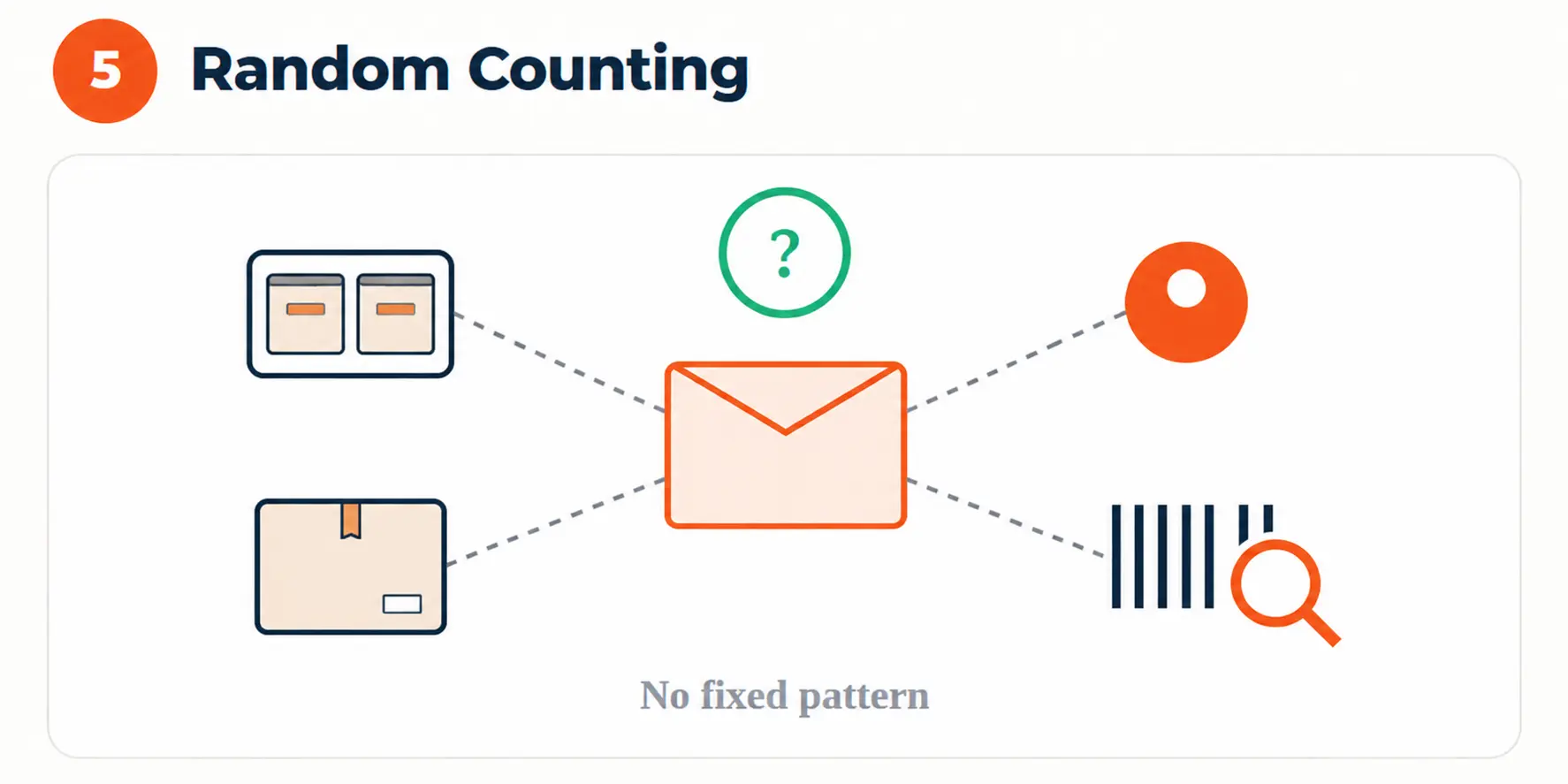
Spot-check without a fixed pattern to keep inventory accuracy honest, uncover hidden issues, and catch discrepancies before they grow.
How Stockount helps:Start a small ad-hoc count in a few taps, check selected inventory quickly, and investigate issues without a planning cycle.
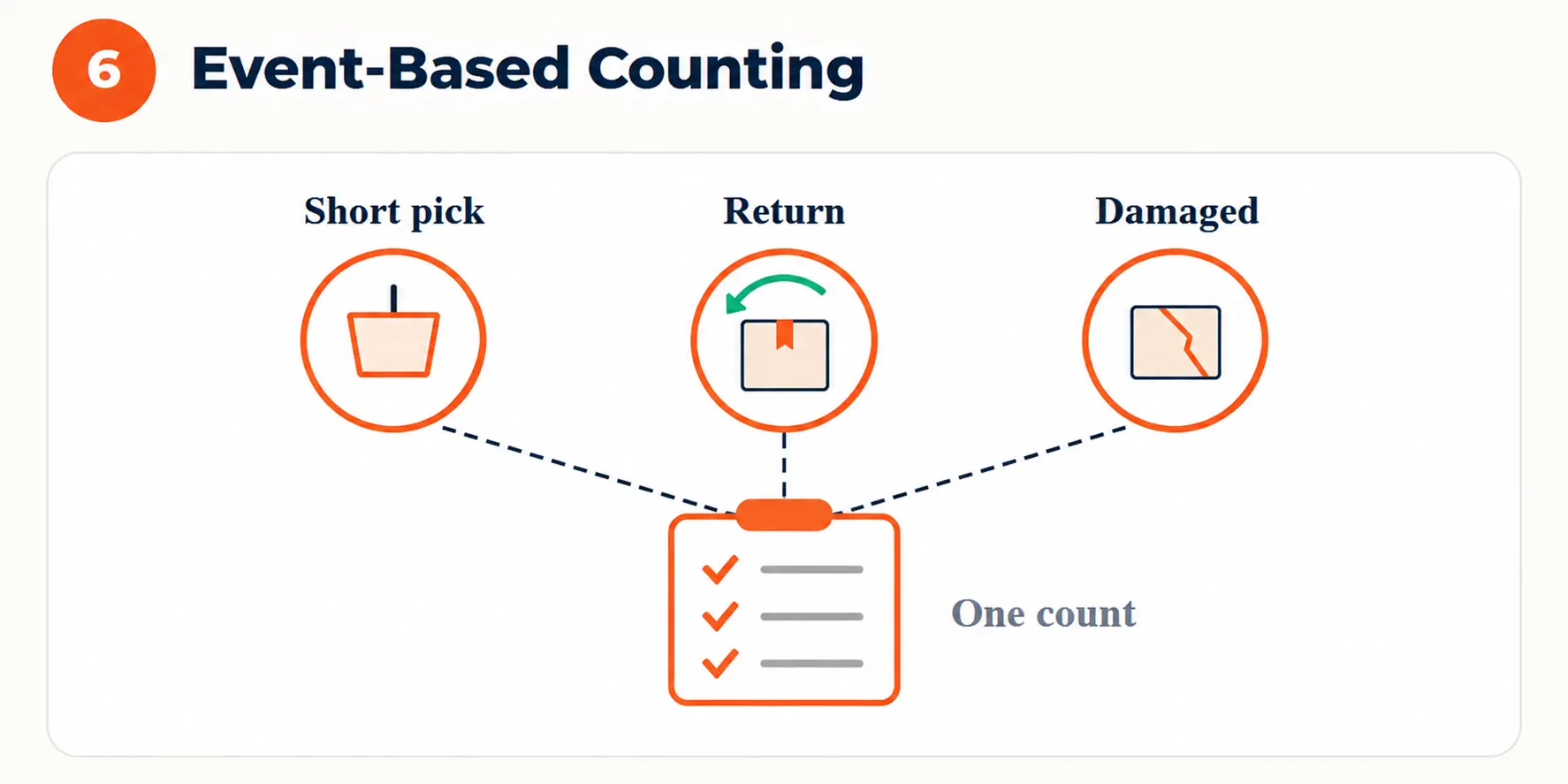
Count when something triggers it — a short pick, a return, or a damaged pallet — to catch issues while the event is still fresh.
How Stockount helps:Raise a count for the affected SKU or bin straight away, so triggered issues can be checked before they impact operations.

Thousands of SKUs, multiple warehouse locations, bins, zones, and constant stock movement make warehouse inventory audit inventory counting difficult to manage manually.
A cycle count in a warehouse works best when it follows the way the floor is already organised. Stockount scopes each count to a level your team can walk — a zone, an aisle, a rack, or a single bin — so cycle counting inventory fits between picking and dispatch instead of stopping them.
See how Stockount helps you plan cycle counts, count inventory by warehouse zone and bin, and track discrepancies from start to finish.
Suggested audits point the team at the items and zones that need checking first.
Variances surface during the count instead of at year-end.
Scheduled audits keep stock verified through the month, not once a year.
Zone-wise counts fit around picking, receiving, and dispatch.
Instead of shutting down operations for a large year-end inventory count, businesses can verify inventory continuously in smaller, manageable batches. Stockount makes cycle counting easier, helping teams catch discrepancies early, maintain accurate stock records, and keep day-to-day operations running smoothly.
Regular cycle counts help manufacturers verify raw materials, components, and finished goods. Catch shortages and discrepancies early to prevent production delays, reduce interruptions, and keep production on schedule.
Explore Manufacturing →Warehouses and 3PL providers manage inventory across multiple customers, facilities, and locations. Regular cycle counts help reduce discrepancies, improve fulfillment accuracy, and maintain reliable inventory visibility.
Explore Warehousing & 3PL →Retailers need accurate stock across stores, warehouses, and online channels. Continuous cycle counting helps prevent stockouts and overselling while improving fulfillment accuracy and customer satisfaction.
Explore Retail & E-commerce →Count and verify high-value stock consistently across every store and location. Keep track of every high-value piece, spot discrepancies early, and protect your inventory from costly losses.
Improve Inventory Accuracy →| Cycle Counting | Full Physical Inventory | |
|---|---|---|
| Frequency | Ongoing — daily, weekly, or on a set cycle | Occasional — usually monthly, quarterly, or annual |
| Inventory coverage | A portion at a time, covered over the cycle | Everything, at one point in time |
| Count size | Small, task-sized counts | Large, needs extra people and planning |
| Operational disruption | Low — fits around normal work | High — often needs a freeze or shutdown |
| Discrepancy detection | Continuous, so issues appear sooner | Point-in-time, often long after the cause |
| Typical use | Day-to-day inventory accuracy and control | Statutory, audit, and financial close requirements |
Cycle counting reduces how much teams need to rely on large, disruptive full physical counts — and pairs with inventory audit software when a statutory count is due.
Cycle counting is a method of checking inventory in small, regular counts instead of one large physical count. A zone, category, or set of items is counted on a set schedule, so the whole warehouse is covered over time without stopping operations.
Cycle counting software helps you count the right items regularly, identify variances, and keep inventory records accurate.
Create a count plan, select locations or products, assign tasks, and start cycle counting inventory with the Stockount app.
Set counting frequency based on product value, movement, risk, and your warehouse inventory requirements.
Choose from ABC, SKU-based, location-based, or scheduled counting based on your inventory needs. Good cycle count software supports all of them.
Yes. Select specific products, categories, warehouses, zones, or bins to create targeted counting tasks.
Teams use dedicated cycle counting software like Stockount, which handles count planning, barcode and manual counting, variance tracking, and reconciliation, and works alongside your existing ERP.
Yes. A cycle count in a warehouse can be scoped to a zone, aisle, rack, or single bin — or built by SKU, category, or other inventory attributes.
Yes. Scan barcodes to identify products quickly, record quantities, and reduce manual counting errors.
Yes. Verify serialized items and count batch or lot inventory while maintaining accuracy and traceability.
Yes. Stockount works alongside your ERP as a dedicated cycle counting system, simplifying physical counting, variance tracking, and inventory reconciliation.
A full physical inventory counts everything at one point in time and usually needs a freeze or shutdown. Cycle counting covers inventory in small, scheduled counts that fit around daily work, so discrepancies surface earlier.
Make cycle counting simpler, keep your operations moving, and stay on top of inventory accuracy with Stockount.