Your Odoo Records Say One Thing. Stockount Confirms It's True.
Odoo runs your inventory system — but records drift from reality over time. Stockount is inventory audit software built for Odoo: it physically counts your stock, flags where the numbers don't line up, and lets you fix it before it costs you.
Purpose-built for teams that need audit-ready inventory accuracy in Odoo — not just a system of record.
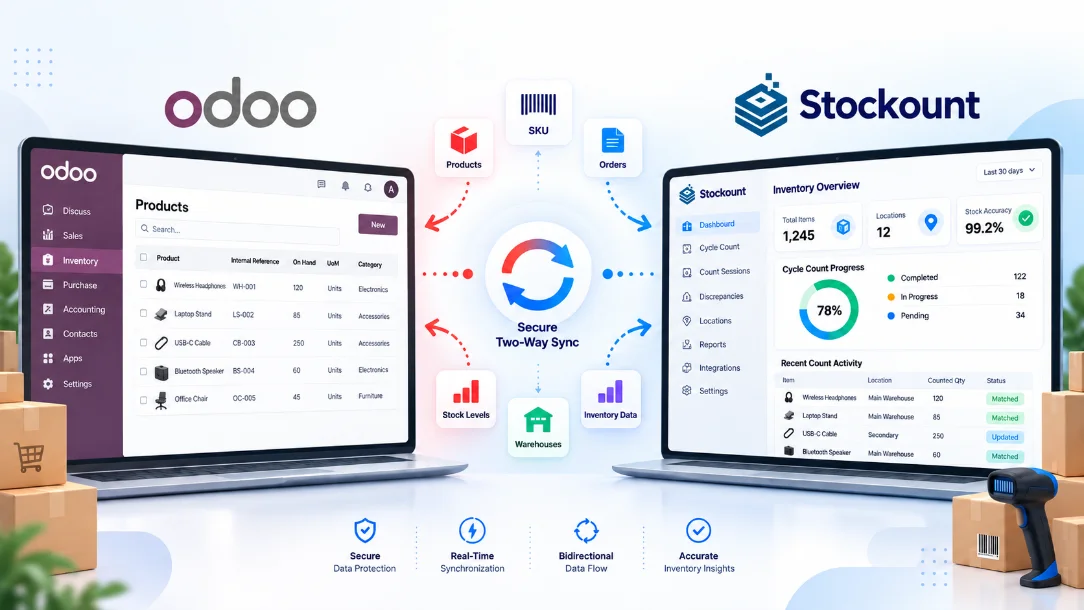
Odoo Tells You What Should Be There. We Check What Actually Is.
Odoo stock counting keeps your data honest — your records are only as good as the last time someone counted the shelves.
Pull In Your Odoo Data
Sync your Odoo Inventory records into Stockount so your team has a starting point for the physical inventory count.
Count Without the Chaos
Mobile inventory counting with barcode scanning replaces the spreadsheet-and-clipboard routine most teams still rely on.
Catch the Gaps
See exactly where physical stock and your Odoo records disagree — shortages, overages, and everything in between.
Push Fixes Back to Odoo
Once a discrepancy is verified, send the stock reconciliation straight back into Odoo — no manual re-entry.
Getting Your Odoo Stock Audit Running Takes Four Steps
Point Stockount at your Odoo data, map the fields that matter, and decide how the two systems stay in sync.
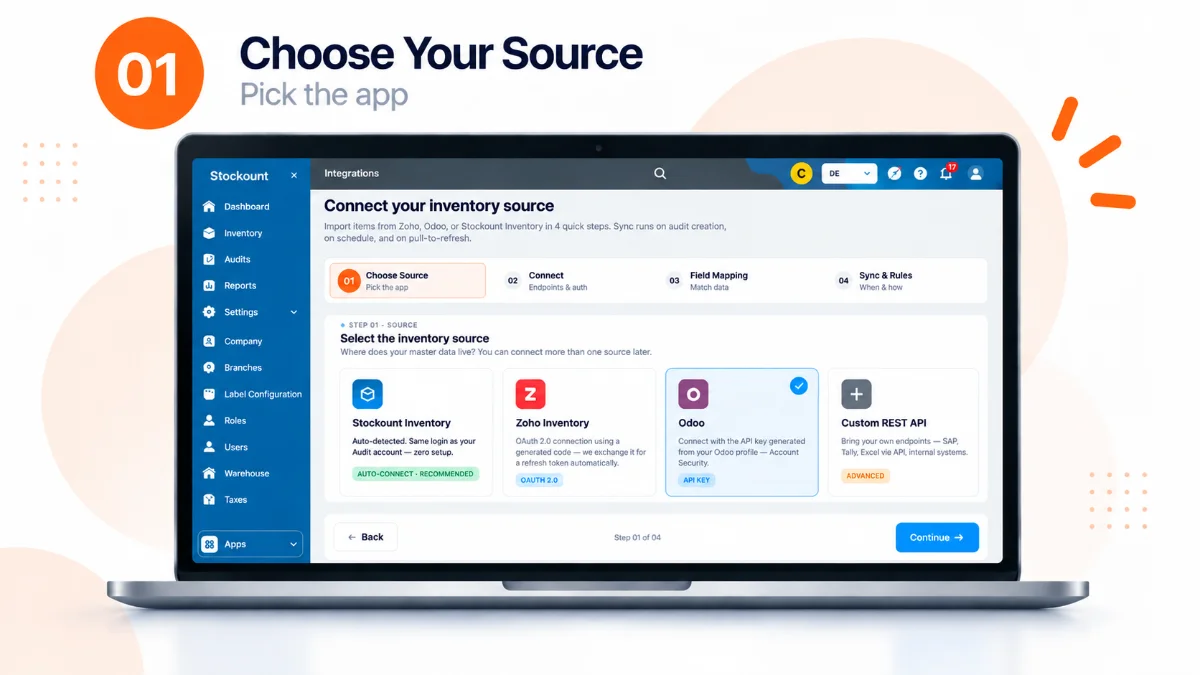
Sync, Count, Compare, Fix — Then Send It Back to Odoo.
Bring in your Odoo stock data, count what's actually on the shelf, see where things don't match, and post the corrected numbers back once you've verified them.
Book 20-Min Demo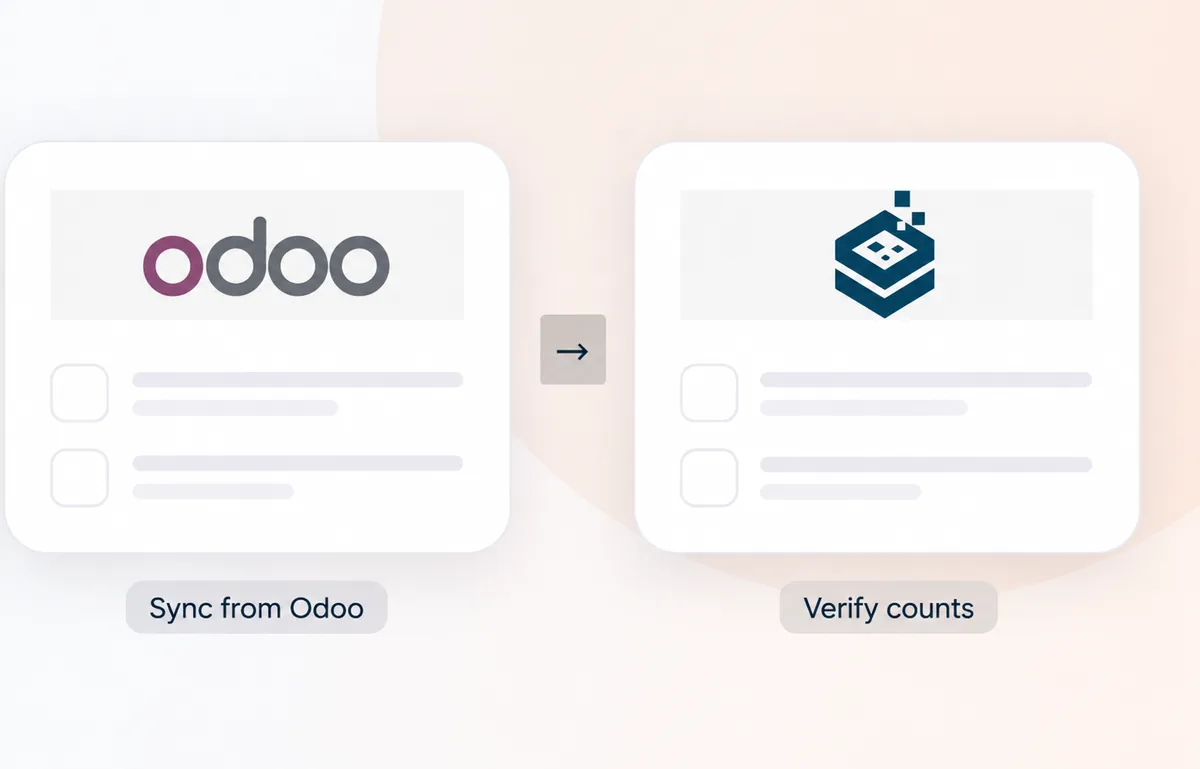
What You Get for Running Better Audits
Multi-Location Counting
Run counts across every warehouse, store, or stockroom — not just one location at a time.
Count as a Team
Multiple people can count simultaneously without stepping on each other's work.
Count by Floor Plan
Break the count down by physical area so nothing gets missed or double-counted.
Count by Category
Audit specific product categories instead of the whole warehouse at once.
Full Audits or Cycle Counts
Run a complete stocktake, or keep Odoo cycle counting going on a regular schedule.
Spot Discrepancies Fast
Physical counts get checked against Odoo automatically — differences surface immediately.
Reconcile Before You Commit
Review every flagged difference in Stockount before anything touches your Odoo records.
Sync Adjustments to Odoo
Verified changes go straight back into Odoo — no double data entry.
Why Warehouse Teams Pair Stockount With Odoo
Less Spreadsheet Work
Stop reconciling counts by hand in Excel after every audit.
Faster Audits
A repeatable process means your team isn't reinventing the count every time.
Problems Caught Earlier
Spot shrinkage, miscounts, or system drift before they snowball, and keep Odoo inventory accuracy from slipping.
One Place to Reconcile
Review and approve every adjustment in Stockount before it lands in Odoo.
Warehouse Inventory Audits, From One Site to Twenty
Multiple companies, multiple locations, different Odoo instances — Stockount adapts to how your business is actually structured, not the other way around.
However your inventory is spread out, every count stays organized and accurate.
Frequently Asked Questions
What does the Odoo integration actually do?
It connects your Odoo inventory data to Stockount so you can run a physical inventory count and compare it against what Odoo says you have — then see exactly where the two disagree.
Why not just trust Odoo's numbers?
Odoo is only as accurate as the transactions logged into it. Miscounts, theft, damage, and unlogged movements all cause drift over time. Stockount is the physical check that catches that drift.
Does my team actually do the counting in Stockount?
Yes — Stockount gives your team a guided mobile workflow, with barcode scanning, for recording real physical quantities during a stocktake or cycle count.
Will it tell me where the discrepancies are?
Yes. Stockount compares your physical count against Odoo's recorded quantities and flags every product where they don't match.
Can I run this across more than one warehouse?
Yes — multi-location warehouse inventory audits are supported, so you can keep the same counting process consistent across every site.
Who's this integration actually for?
Any Odoo user running physical stocktakes or periodic inventory audits — retail, distribution, manufacturing, warehousing, or e-commerce.
Stop Guessing Whether Your Odoo Numbers Are Right
Connect Odoo to Stockount and give your team a real process for stock counting, catching discrepancies, and keeping your Odoo inventory accurate.